
Posture management (Device Posture Check): compliance as a condition of access
Zero Trust is not just about checking who is connecting: it also checks what they are connecting with. With WANUP, every desktop or mobile device must prove its security status before gaining any access to the corporate network.
The principle is simple: a device that does not comply with the compliance rules defined by the company (up-to-date system, active antivirus, encrypted disk, screen lock…) is automatically denied connection, whoever the authenticating user may be. Posture is checked continuously, not just at initial connection: a device deemed compliant one day can lose that access as soon as it deviates from the rules, with no manual intervention.
This mechanism is natively integrated into our VPN client and our ZTNA approach, ensuring that the trust granted to a device is never taken for granted, but continuously verified.
Compliance verified device by device, continuously.
Validation of the device’s network identity.
Checks that the device’s source IP address matches an authorised IP (allowlist), and blocks or alerts on connections from an unauthorised country (geofencing).

Operating system compliance.
Checks that the device’s OS is a version accepted by the company and that security patches have been applied, to eliminate known, unpatched vulnerabilities.

Active device protection.
Checks that antivirus is present and up to date, that the local firewall is enabled and that disk encryption (BitLocker, FileVault) is active, to ensure basic protections are genuinely operational.

Vigilance and locking.
If screen lock is not configured, the posture check fails: the device cannot guarantee that it has not been physically accessed while unattended. No lock, no connection — the VPN client detects the missing rule and blocks access automatically.
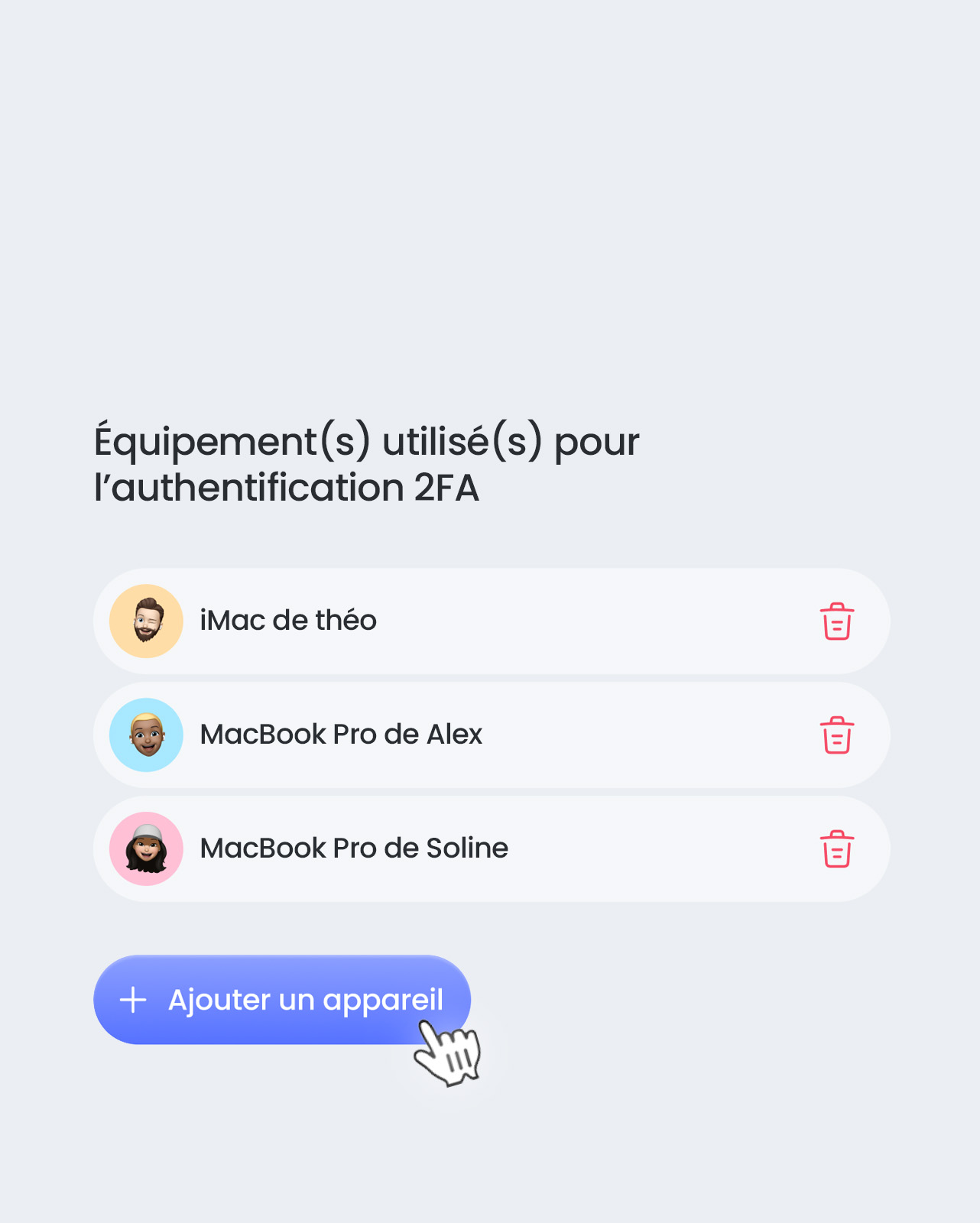
Profile-based access control.
Beyond device posture, access to each application is granted or denied according to the user’s profile (role, group, department, clearance), for fine-grained control tailored to your organisation.

Security and performance without compromise: with WANUP, no device connects without proving its compliance, and no compliance is ever permanently assumed. Posture management turns Zero Trust into continuous, automated verification, with no friction for your compliant users.
Customer case studies
Discover how our solution
is implemented in the field.


